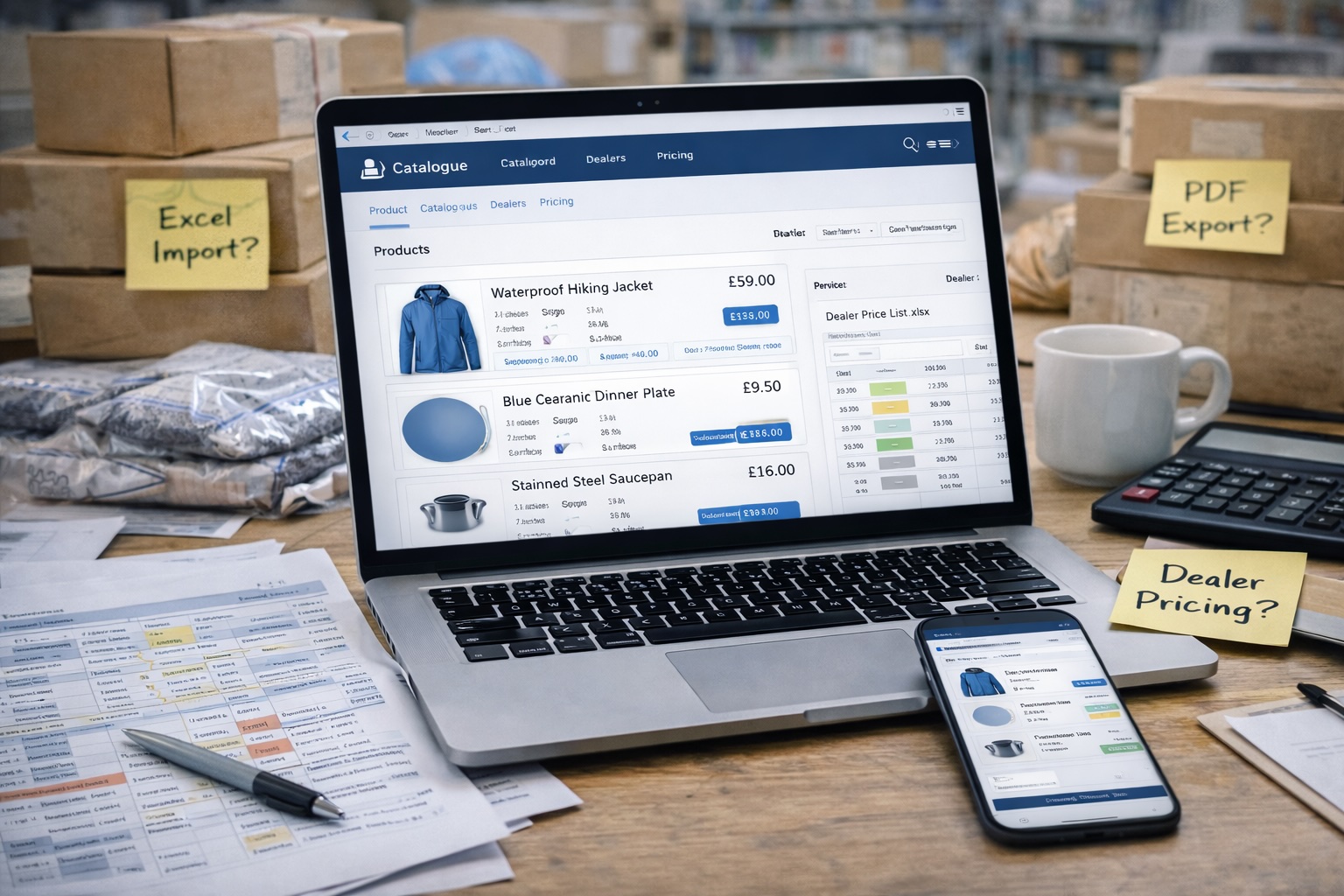
If you sell through dealers or distributors, your price list is one of the most important documents in your business.
Yet in many UK manufacturing and wholesale companies, price lists are still shared the same way they were ten or fifteen years ago: as email attachments.
A typical situation looks like this.
A dealer emails asking for your latest price list. You send an updated Excel file. A few weeks later you adjust prices on several products. Another dealer asks for the list, so you send a newer version.
Three months later, someone places an order using an outdated spreadsheet.
Now your team has to explain that the price changed.
Multiply this across dozens of dealers and hundreds of products and the result is predictable: version chaos.
In this guide, we’ll walk through how to share price lists with dealers online so that everyone always sees the latest version — without endless email chains.
Why Emailing Price Lists Creates Chaos
Email attachments feel simple. They work when you have only a few products and a handful of dealers.
But as your catalogue grows, the problems start piling up.
1. Dealers Use Outdated Versions
Once a spreadsheet leaves your inbox, you lose control of it.
Dealers may store it locally and continue using it for months.
This often leads to situations like:
orders placed with old prices
discontinued products still being ordered
missing newly launched products
These mistakes create friction with dealers and slow down order processing.
2. You Lose Version Control
Over time your company ends up with files like:
Dealer_Pricelist_2024.xlsx
Dealer_Pricelist_2024_UPDATED.xlsx
Dealer_Pricelist_NEW_FINAL.xlsx
Sales teams are never quite sure which one is correct.
And when multiple people edit spreadsheets, changes become difficult to track.
3. No Visibility Into Who Has What
Once you email a file, you have no way of knowing:
who downloaded it
who is using it
whether it’s still accurate
This makes it impossible to guarantee dealers are working with correct information.
4. Price Updates Become Operational Work
When prices change, your team must:
update the spreadsheet
export a new version
email every dealer
answer questions about what changed
For companies with dozens of dealers, this becomes a recurring administrative burden.
Option 1: Shared Google Sheets or Dropbox
Many businesses try to solve the email problem by sharing spreadsheets online.
Tools such as Google Sheets, Dropbox, or OneDrive allow you to maintain a single file that everyone accesses.
Instead of sending attachments, you send a link.
When you update the spreadsheet, dealers see the new data immediately.
This approach solves some of the version control problems.
Advantages
Shared spreadsheets offer several benefits:
Dealers always access the same file
Updates appear instantly
No need to resend attachments
Easy to set up
For small catalogues, this can work reasonably well.
Limitations
However, shared spreadsheets still have several drawbacks.
Limited Structure
Spreadsheets aren’t designed for complex product catalogues.
Once you start managing:
product variants
multiple dealer price tiers
product attributes
the sheet quickly becomes difficult to maintain.
Risk of Accidental Edits
If editing permissions are not configured correctly, dealers might accidentally modify data.
Even with read-only access, someone may download and circulate their own copy.
Not Designed for Dealer Experience
Spreadsheets are not user-friendly product catalogues.
Dealers often want to:
search products
filter categories
view images
quickly check specifications
Excel or Google Sheets isn’t ideal for this.
Best for:
Small product ranges with a limited number of dealers and infrequent price updates.
Option 2: A Dedicated Dealer Portal or Catalogue Software
The more scalable approach is to use a dealer portal or product catalogue platform.
Instead of sharing spreadsheets, you give dealers access to an online catalogue where product information and prices are always current.
Think of it as a live digital price list.
How It Works
Product catalogue software stores your product data in a central system.
This includes:
product names
SKUs
descriptions
images
dealer pricing
Dealers log into a portal where they can browse the catalogue and view the latest prices.
When your team updates a price, the change appears immediately for every dealer.
No emails. No attachments. No confusion.
What This Solves
A dealer portal addresses many of the problems spreadsheets create.
Dealers Always See the Latest Prices
Because the catalogue is live, outdated price lists disappear entirely.
There is only one version of the data.
Your Team Updates Data Once
Instead of sending new spreadsheets every time prices change, your team simply updates the catalogue.
The change becomes instantly visible to dealers.
Dealers Get a Better Experience
Dealers can browse products like a modern catalogue.
They can:
search products
filter categories
view images
quickly find SKUs
This makes it easier for them to sell your products.
Best for:
Manufacturers and wholesalers with growing product catalogues and multiple dealers.
Step-by-Step: How to Set Up a Live Dealer Price List System
If you want to move away from emailed spreadsheets, here’s a practical way to build a live price list system.
Step 1: Centralise Your Product Data
Start by bringing all product information into a single structured catalogue.
This should include:
product names
SKUs
product descriptions
pricing tiers
images
Many businesses already have this information scattered across spreadsheets.
The goal is to consolidate everything into one organised dataset.
Step 2: Define Dealer Pricing Rules
Different dealers often receive different pricing.
For example:
standard dealer discount
distributor pricing
regional pricing tiers
Define these pricing structures clearly so they can be applied consistently.
This avoids the need for multiple price list versions.
Step 3: Publish a Live Catalogue
Next, publish your catalogue online.
This could be:
a dealer portal
a password-protected catalogue
a catalogue management platform
Dealers receive a link where they can always access the latest version.
Step 4: Replace Email Attachments
Once the system is live, stop sending spreadsheets.
Instead, when dealers request pricing you simply send them the link to the catalogue.
Over time dealers learn to rely on the portal rather than asking for files.
This eliminates version confusion completely.
The Result: Simpler Dealer Communication
When dealers have access to a live catalogue, several things improve immediately.
Your sales team stops answering questions like:
“Is this the latest price list?”
“Do you have the updated version?”
“Did prices change?”
Instead, dealers simply check the catalogue.
This creates:
fewer mistakes
faster ordering
less admin work for your team
Most importantly, it keeps your product data consistent across all partners.
A Simple Way to Get Started
If you’re currently sending Excel price lists to dealers, you’re not alone. Many manufacturers begin this way.
But as your dealer network grows, the spreadsheet approach becomes increasingly fragile.
Platforms like productrue help manufacturers and wholesalers move their catalogue online so dealers can access live product data and price lists in one place.
Instead of managing dozens of spreadsheet versions, you maintain one catalogue and dealers always see the latest information.
You can explore how it works at productrue.com.